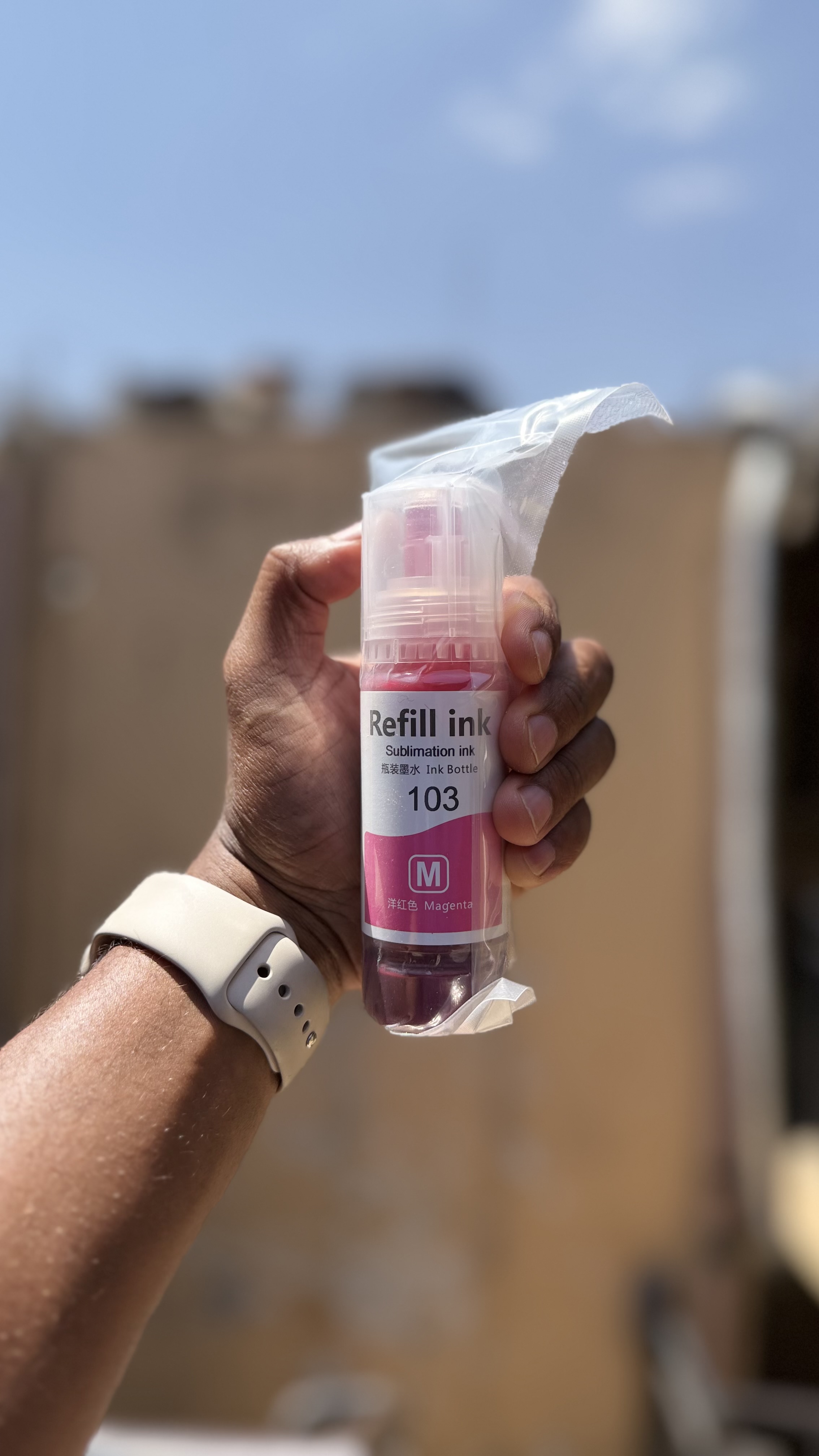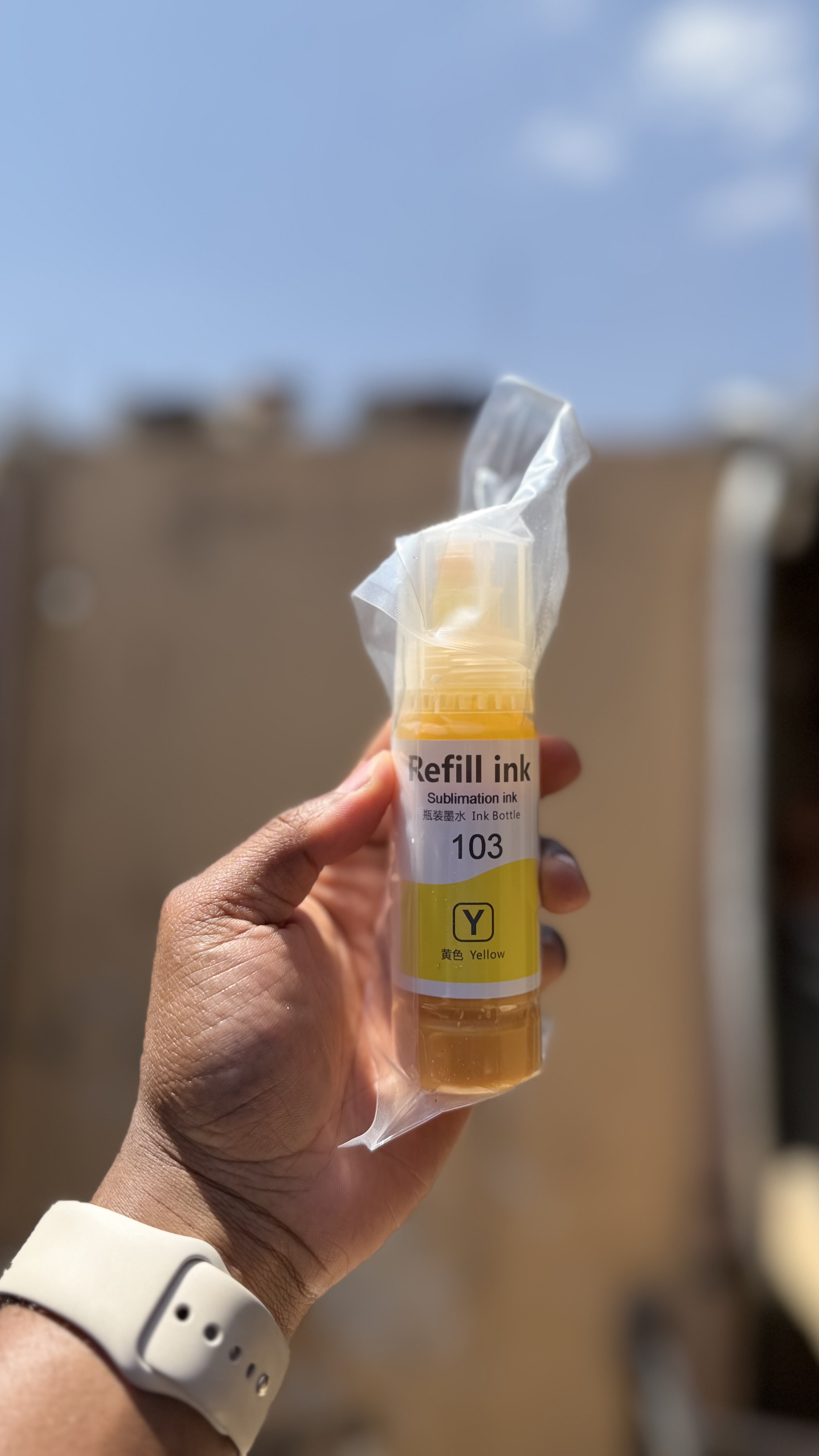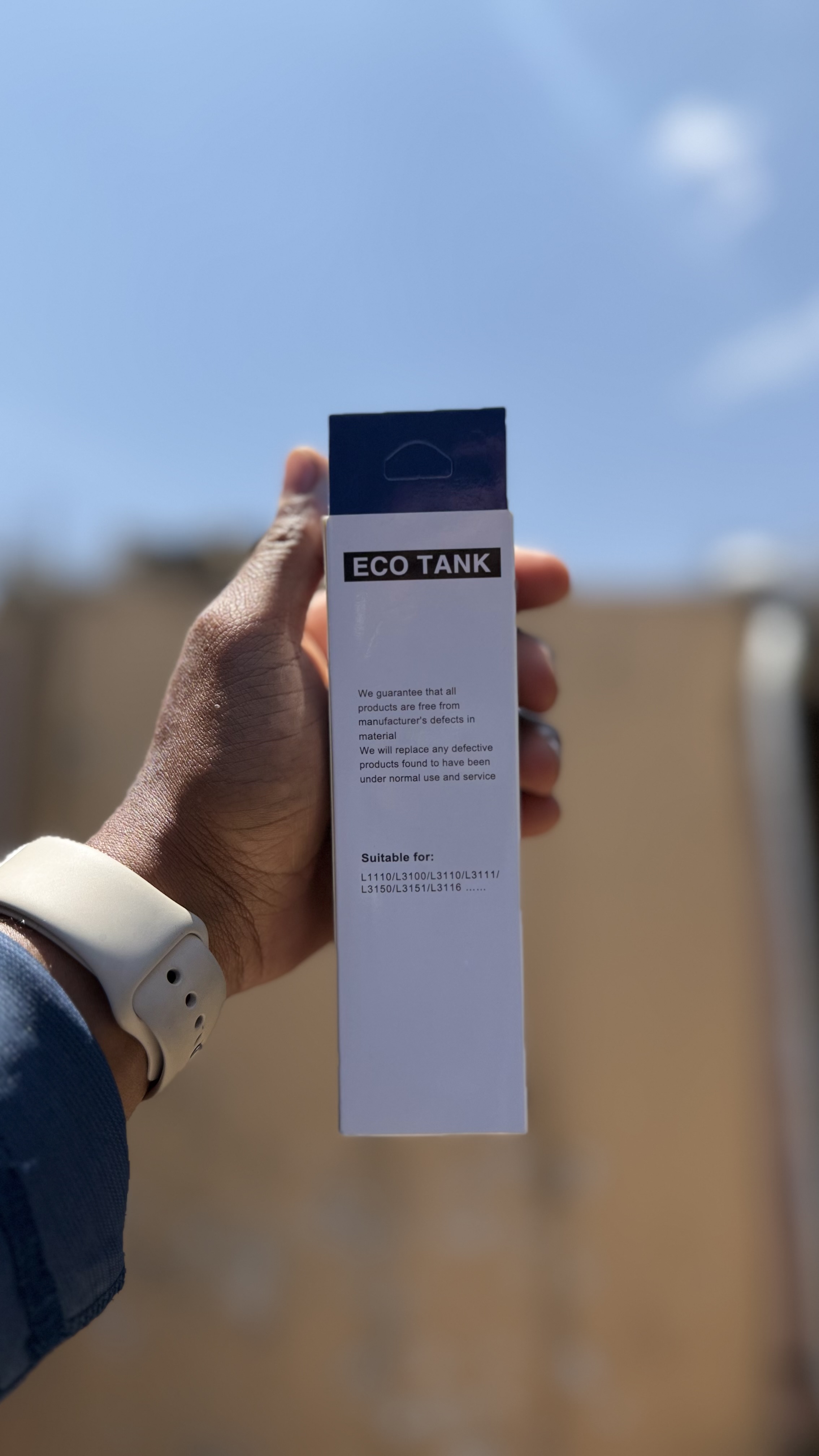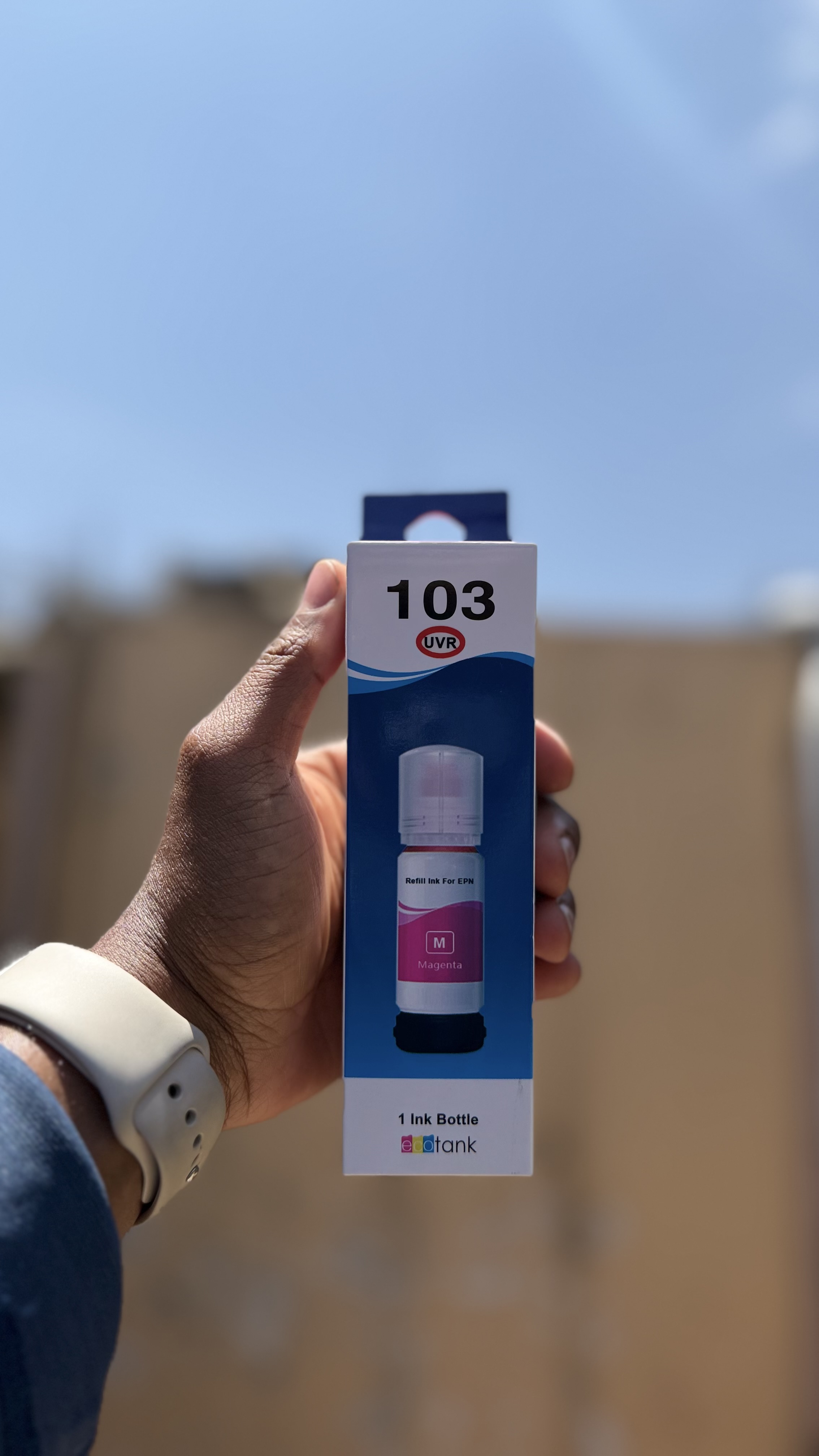
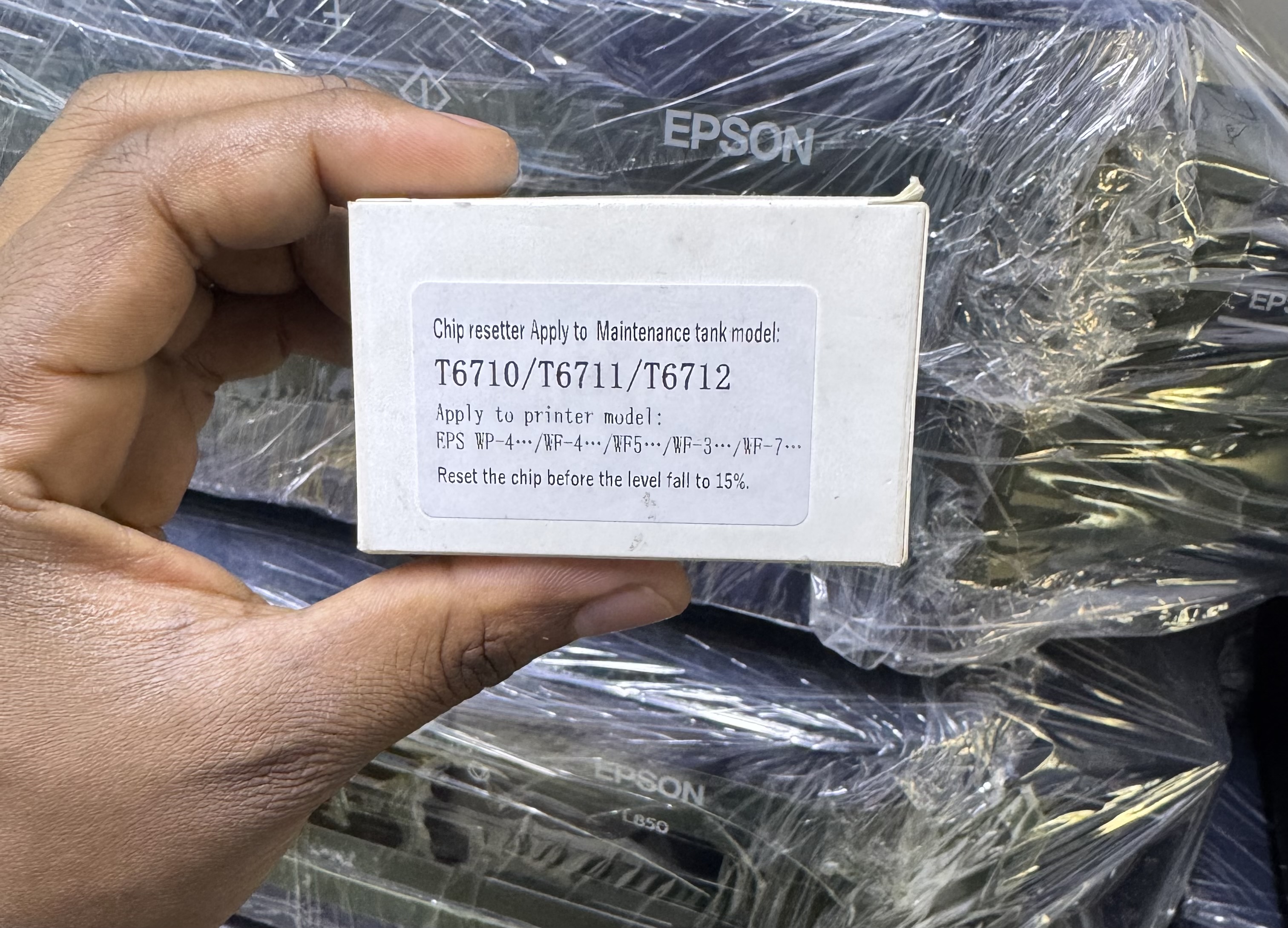
The T6710 Chip Resetter, which is available in Kenya is an electronic device used to reset the counter on Epson maintenance ink tanks (waste ink boxes) so they can be reused instead of replaced.
Key Technical Specifications
Target Device: Specifically designed for the T6710 and T6711 maintenance boxes.
Operating Threshold: Must typically be used before the ink level counter falls below 15% (or registers more than 85% full). If the printer already reports the box as "full" or "end of life," some resetters may not be able to clear the chip.
Indicator System: Features a dual-color LED (Red/Green) to confirm connection and successful reset.
Compatibility: Works with both original (OEM) and compatible third-party chips.
Power Source: Usually powered by a small internal battery (e.g., button cell) or dual voltage (110V/220V) depending on the specific manufacturer.
Physical Dimensions: Approximately 10 x 10 x 8 cm (package size) with a weight of roughly 0.12 kg to 0.2 kg.
Compatible Printer Models
The T6710 resetter is compatible with a wide range of Epson WorkForce Pro and standard WorkForce models, including:
WorkForce Pro Series: WF-4630, WF-4640, WF-5110, WF-5190, WF-5620, WF-5690, WF-M5194, WF-M5694, WP-4010, WP-4530, WP-4540, WP-4590.
WorkForce Series: WF-3520, WF-3540, WF-3620, WF-3640, WF-7110, WF-7610, WF-7620, WF-7710, WF-7720.
EcoTank Series: ET-16500, ET-16600.
Other Models: L1455.
Usage Procedure
Alignment: Align the metal pins on the resetter with the gold contacts on the maintenance box chip.
Contact: Press and hold the resetter against the chip. The LED should initially turn Red to show proper contact.
Completion: Wait 3–5 seconds until the LED turns Green, indicating a successful reset.
Maintenance: You must manually clean or replace the absorbent waste pads inside the box to prevent ink overflow after resetting the chip.
Target Device: Specifically designed for the T6710 and T6711 maintenance boxes.
Operating Threshold: Must typically be used before the ink level counter falls below 15% (or registers more than 85% full). If the printer already reports the box as "full" or "end of life," some resetters may not be able to clear the chip.
Indicator System: Features a dual-color LED (Red/Green) to confirm connection and successful reset.
Compatibility: Works with both original (OEM) and compatible third-party chips.
Power Source: Usually powered by a small internal battery (e.g., button cell) or dual voltage (110V/220V) depending on the specific manufacturer.
Physical Dimensions: Approximately 10 x 10 x 8 cm (package size) with a weight of roughly 0.12 kg to 0.2 kg.